
In Xcode 15, we can display an alert using the .alert modifier.
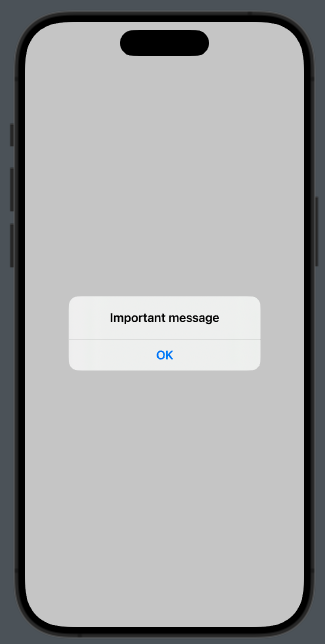
Take a look at the code:
struct ContentView: View {
    @State var showAlert = false

    var body: some View {
        VStack {
            Button("Show Alert") {
                showAlert = true
            }
        }.alert("Important message", isPresented: $showAlert) {
            Button("OK", role: .cancel) {
                // Your action
            }
        }
        .padding()
    }
}
The role of the button can be:
- .cancel
- .destructive
struct ContentView: View {
    @State var showAlert = false

    var body: some View {
        VStack {
            Button("Show Alert") {
                showAlert = true
            }
        }.alert("Important message", isPresented: $showAlert) {
            Button("Delete", role: .destructive) {

            }
        }
        .padding()
    }
}
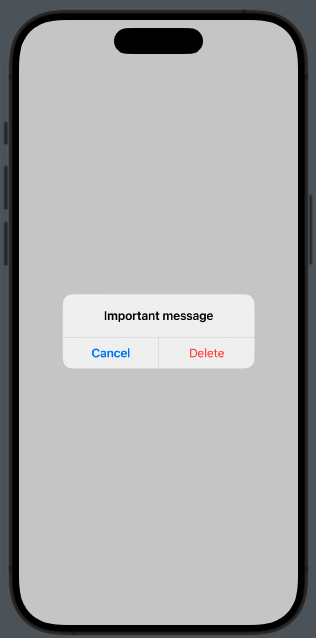
Note that using a button with .destructive is also added the default cancel button.