Cogentcore

On July 24th, the first release of Cogent (https://www.cogentcore.org/), a new Go GUI cross-platform tool (Windows, OSX, Linux, Wasm, iOS, Android), was launched. This tool uses only Go language to build interfaces, with no templates or other files (like YAML, JSX), and the styling is done directly in the code. It follows the Material style.

What do I like about this project?

  • Clear goal
  • How to achieve the goal
  • The styling

What don’t I like?

  • I think that the best solution for GUI tools is a combination of declarative and imperative languages, like Qt (Qml + C++ or JavaScript), SwiftUI + Swift, and Slint, which also has an approach like this. Using this tool feels like going back to the time of Qt Widget.
  • For mobile, it uses Material Design, but I think that for mobile, it is essential to respect the native user interface.

For a first release, it looks good. I will keep it under observation and recommend you do the same.
Summer reflection

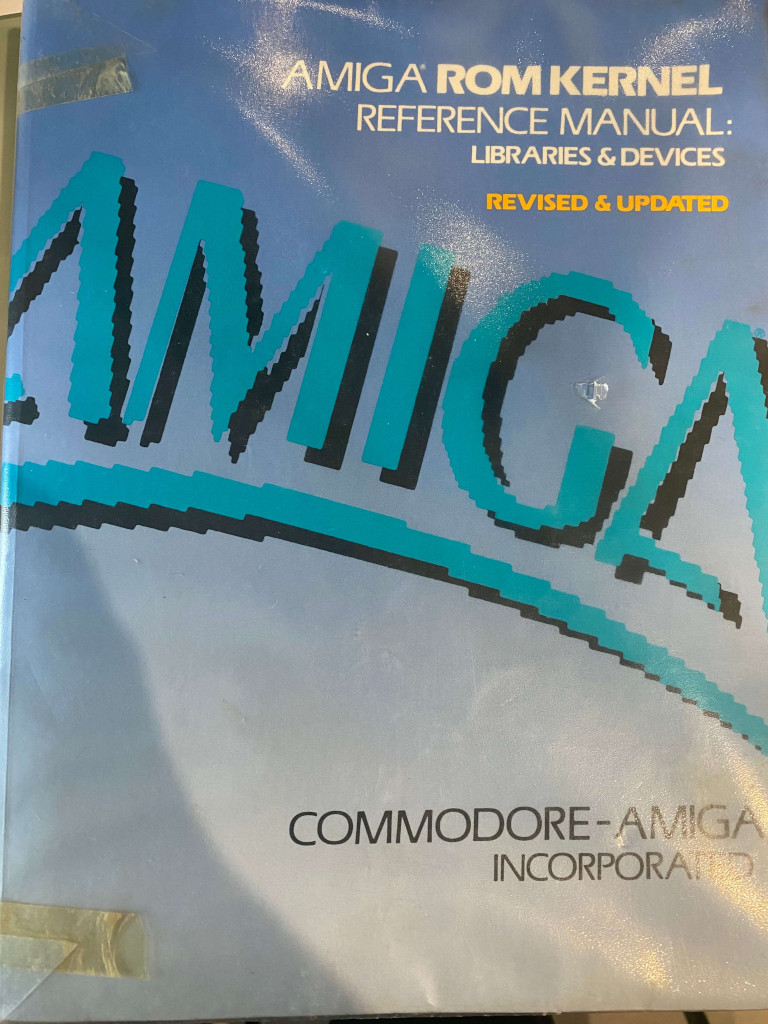
Which book reminds you of summer? For me, it’s the one below, and I’ll tell you why. It was the summer of 1991. My uncle, who was on vacation, had left me the keys to his house, so I went there to study and acted as a caretaker. I brought along books on algebra and geometry (matrices, vector spaces, monads, etc.) and the RKM (Amiga Rom Kernel Manual)in the photo. Until 6 PM, I studied algebra, and then I read the RKM. I followed my grandmother’s advice: duty first, then pleasure (sorry, Professor Konderac, but the RKM gave me more pleasure).

Over the years, I’ve realized I often buy books by so-called gurus on how to organize life and be productive. On LinkedIn and Twitter, posts by these super personalities appear, but if I think about it, it’s all already been written or said. The monks’ “ora et labora” is today’s “start the day with meditation”; “eat the frog first” is my grandmother’s way of saying “duty first.” Regarding persistence, we can remember some of Jesus Christ’s words, but surely there is something similar in other religions or philosophies. Why do we need to hear or read the same things in a different form? Have we lost our memories? Maybe these hot nights are getting to me.

Exploring Fyne: A Modern Cross-Platform Tool for Golang Developers

I don’t know if you’ve ever heard about Fyne (https://fyne.io/), the Golang cross-platform tool. I spent some hours trying it out. It runs on Windows, Linux, Darwin, Android, and iOS. The comparison with other cross-platform tools is inevitable, but it can also be unfair considering the age of the tool. With it, we can build very good desktop applications; more or less, we have all the fundamental GUI objects for a desktop application, and if you don’t need a Hollywood-style graphic, it’s good.

About the mobile situation, it’s a bit different. Mobile applications (apart from games) should conform to native guidelines, which is a bit hard with Fyne since it follows Material Design. What I’m saying is not a dismissal, but my advice is to use it if you need basic (or industrial) applications, where a nice user interface is less important than usual.

What’s my suggestion about it? If you need to build a desktop application (or mobile without a native look and feel), you already know Go, and you don’t want to spend time on other languages, then go for it. If you don’t like something, you can always contribute to the project—actions speak louder than words.

Note: English is not my native language, so I apologize for any errors. I use AI solely to generate the banner of the post; the content is human-generated.

Implementing Temporary Row Highlighting how in iOS Settings with SwiftUI

If you are an iOS user and have ever tried to search for a feature in the settings by typing the name in the search bar, you might have noticed that when you jump to the page with the found feature, the row with the feature is highlighted for a few seconds. In this post, I’ll show a possible implementation for that.

First we create a page with a simple navigation link to jump to the page that contains the feature (in our case VPN).

struct ContentView: View {
    var body: some View {
        NavigationStack {
            NavigationLink("Settings", destination: ListWithHighlightView(search: "VPN"))
        }
    }
}

Then define the struct option, with simple an id, name, and hi (it’s true if need to be higligthed).

struct Option: Identifiable {
    var id = UUID()
    var hi = false
    var name = ""
}

In the View we create a simple array with some options, show the list of options. When the list is displayed (the onAppear), simply check the name of the item to higlight, if it found, we higlight, than calling in the task a timer for one second, we remove the highligting.

struct ListWithHighlightView: View {
    @State var options = [Option(name: "Wi-fi"), Option( name:"VPN"), Option(name: "Sound")]
    @State var search = ""
    var body: some View {
        VStack {
            List {
                ForEach(0..<options.count) { index in
                    Text(options[index].name)
                    .listRowBackground(Color(options[index].hi ? UIColor.systemFill : UIColor.systemBackground))
                    .onAppear {
                        if search == options[index].name {
                            options[index].hi = true
                            Task {
                                try await Task.sleep(nanoseconds: 1_000_000_000)
                                options[index].hi = false
                            }
                        }
                    }
                }
            }
        }
    }
}

The listRowBackground define the background of the row, that in this case contains only a text.

Note: English is not my native language, so I apologize for any errors. I use AI solely to generate the banner of the post; the content is human-generated.

Pico blink in pure Swift

In the previous post, we learned how to use Swift embedded to build the blink example using a wrapper for the C++ library. In this post, we’ll learn how to compile and run the blink example written in Swift without using an external library. I suggest you read the previous post for the toolchain installation process.

Follow these steps:

$CLANG Sources/Support/libclang_rt.soft_static_armv6m_macho_embedded.a .build/release/Support.build/{Support.c,crt0.S}.o .build/release/Blinky.build/*.o -target armv6m-apple-none-macho -o $BUILDROOT/blinky $LD_FLAGS

To build:

TOOLCHAINS='<toolchain-name>' ./build.sh

On my mac i have as TOOLCHAINS:

export TOOLCHAINS=$(plutil -extract CFBundleIdentifier raw /Library/Developer/Toolchains/swift-DEVELOPMENT-SNAPSHOT-2024-06-13-a.xctoolchain/Info.plist)

After the build you can copy the .build/blink.uf2 in your raspberry.

If your mac doesn’t discover the raspberry, disconnect the usb cable, press the bootselect button and reconnect the usb cable.

Now if the example works, start to study the code.